Total Security Solutions and Affordability


šŸ’„Inspiring Store to Buy MorešŸ’„


Difference between Antivirus and Total Security

Antivirus and Total Security are both types of cybersecurity software, but they differ in their scope and the range of features they offer. Here's a breakdown of their differences:

Antivirus Software:

Antivirus software is designed primarily to detect, prevent, and remove known malware threats, such as viruses, worms, Trojans, and other malicious software. It focuses on protecting your computer or device from common and well-known threats that can infiltrate your system through infected files, emails, websites, or removable media. Antivirus software typically includes the following features:

Real-time scanning: Constantly monitors files and processes to detect and stop threats as they occur.
Virus database updates: Regular updates to ensure the software recognizes the latest malware threats.
Quarantine: Isolates infected files to prevent further damage to the system.
On-demand scanning: Allows users to manually scan specific files or directories for potential threats.

Total Security Software:

Total Security software, also known as Internet Security or Comprehensive Security, offers a more comprehensive suite of features compared to traditional antivirus software. In addition to the core antivirus capabilities, Total Security includes a broader range of tools and functionalities to protect users from various online threats. These additional features often include:
Firewall: Monitors network traffic and helps block unauthorized access to your computer or network.
Anti-phishing: Protects against phishing attempts, which aim to steal sensitive information by impersonating legitimate websites or services.
Email protection: Scans email attachments and content for malware and other threats.
Web protection: Blocks access to malicious or dangerous websites.
Privacy protection: Helps safeguard your personal information from being accessed or stolen.
Parental controls: Allows parents to manage and restrict their children's online activities.
Device optimization: Offers system optimization tools to improve device performance.
Password manager: Helps generate and store strong, unique passwords for different accounts.

In summary, antivirus software is more focused on identifying and eliminating known malware threats, while Total Security provides a broader range of features to protect against various online risks, including malware, phishing, and privacy breaches. If you're looking for basic protection against common threats, antivirus software may be sufficient. However, if you want a more comprehensive cybersecurity solution with additional features, Total Security software is a better choice.

1 User | 1Year


1. Kaspersky Total Security | (Email Delivery in 2 hours- No CD)

Buy Now


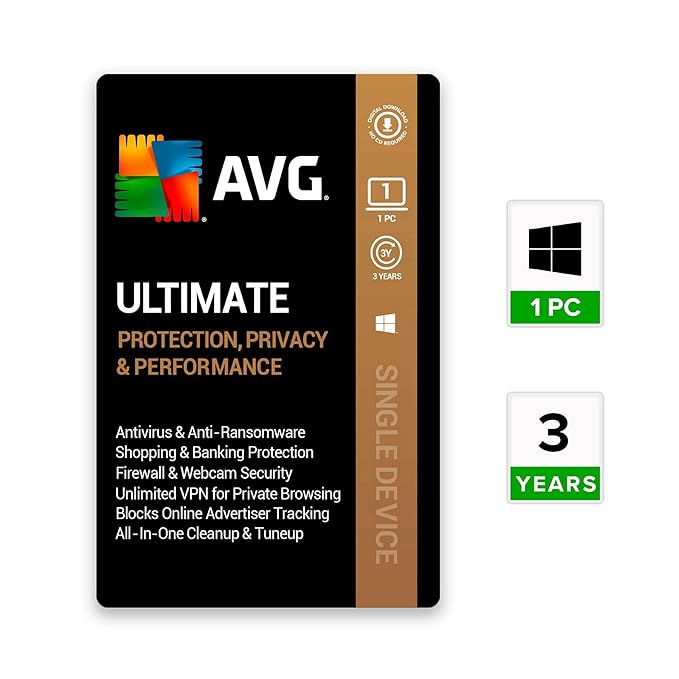
2. AVG Ultimate (Incl. Total Security Antivirus, VPN, PC Cleaner & Anti Tracker) | (Email Delivery in 2 hours- No CD)

Buy Now


3. McAfee Total Protection | (Email Delivery in 2 hours- No CD)


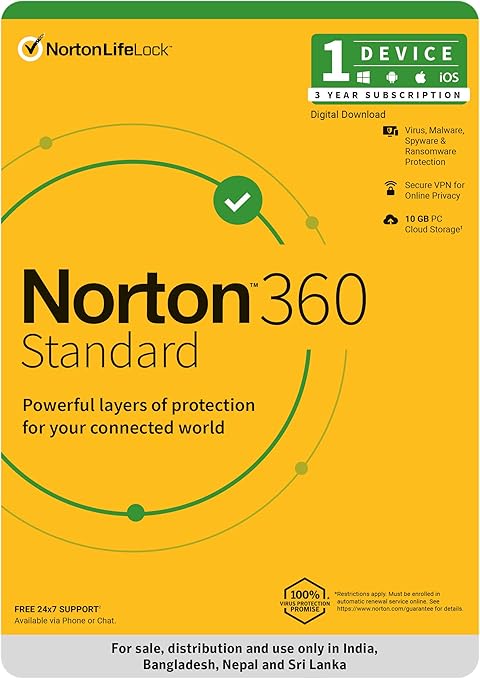
4. Norton 360 Standard Total Security | (Email Delivery in 2 hours- No CD)


5. K7 Security K7, Total Security, 1 User, 1 Year, Email Delivery In 30 Min, No Cd


1 User | 3 Years


1. Kaspersky Total Security | (Email Delivery in 2 hours- No CD)
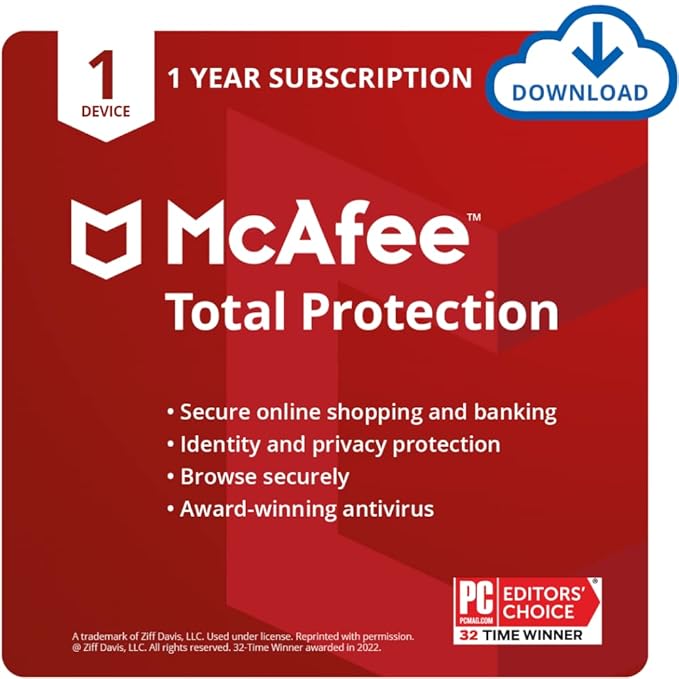


2. McAfee Total Protection | (Email Delivery in 2 hours- No CD)

Buy Now


3. AVG Ultimate (Incl. Total Security Antivirus, VPN, PC Cleaner & Anti Tracker) | (Email Delivery in 2 hours- No CD)


4. Norton 360 Standard Total Security | (Email Delivery in 2 hours- No CD)


Buy Now


Why Pay More?
Expect More. Pay Less


Disclaimer: - We may earn a commission from qualifying purchases made through the product links provided on this website.


If this article was helpful, let me know in the comments....

Comments

Popular posts from this blog

External SSD vs. Internal SSD: A Comprehensive Guide

  šŸ’„Inspiring Store to Buy MorešŸ’„ External SSD vs. Internal SSD: A Comprehensive Guide Introduction The evolution of data storage technology has brought us from clunky, spinning hard drives to sleek, lightning-fast Solid-State Drives (SSDs). SSDs are no longer a luxury—today, they’re a standard component in most modern systems. However, as the technology has matured, SSDs are now available in both internal and external formats, each offering distinct advantages for various users and scenarios. Choosing between an internal and an external SSD can be a critical decision for gamers, video editors, software developers, everyday users, and even corporate IT professionals. Do you need something permanently embedded in your system for OS performance? Or are you looking for fast, portable storage for video projects and backups? This guide will help you understand every nuance of internal and external SSDs—from architecture to speed, thermal efficiency to price-performance ratio—so you...

Samsung Mobile Phone

  šŸ’„Inspiring Store to Buy MorešŸ’„ *Samsung Mobile Phone* Using a Samsung mobile phone can be a choice based on a variety of factors. Here's a more detailed look at why some people prefer Samsung mobile devices: Build Quality and Design: *Samsung is known for its attention to build quality. They often use premium materials like glass and metal in their flagship models, giving them a sleek and premium appearance. *Innovative design elements like edge displays (curved screens) are unique to Samsung, offering a distinctive look and feel. Display Technology: *Samsung is a pioneer in AMOLED and Super AMOLED display technology. Their screens offer vivid colors, deep blacks, and excellent contrast ratios, providing an immersive viewing experience. *High-resolution displays make Samsung phones ideal for multimedia consumption, such as streaming videos and playing games. Camera Capabilities: *Samsung equips its flagship phones with advanced camera systems. This includes multiple lenses, high...